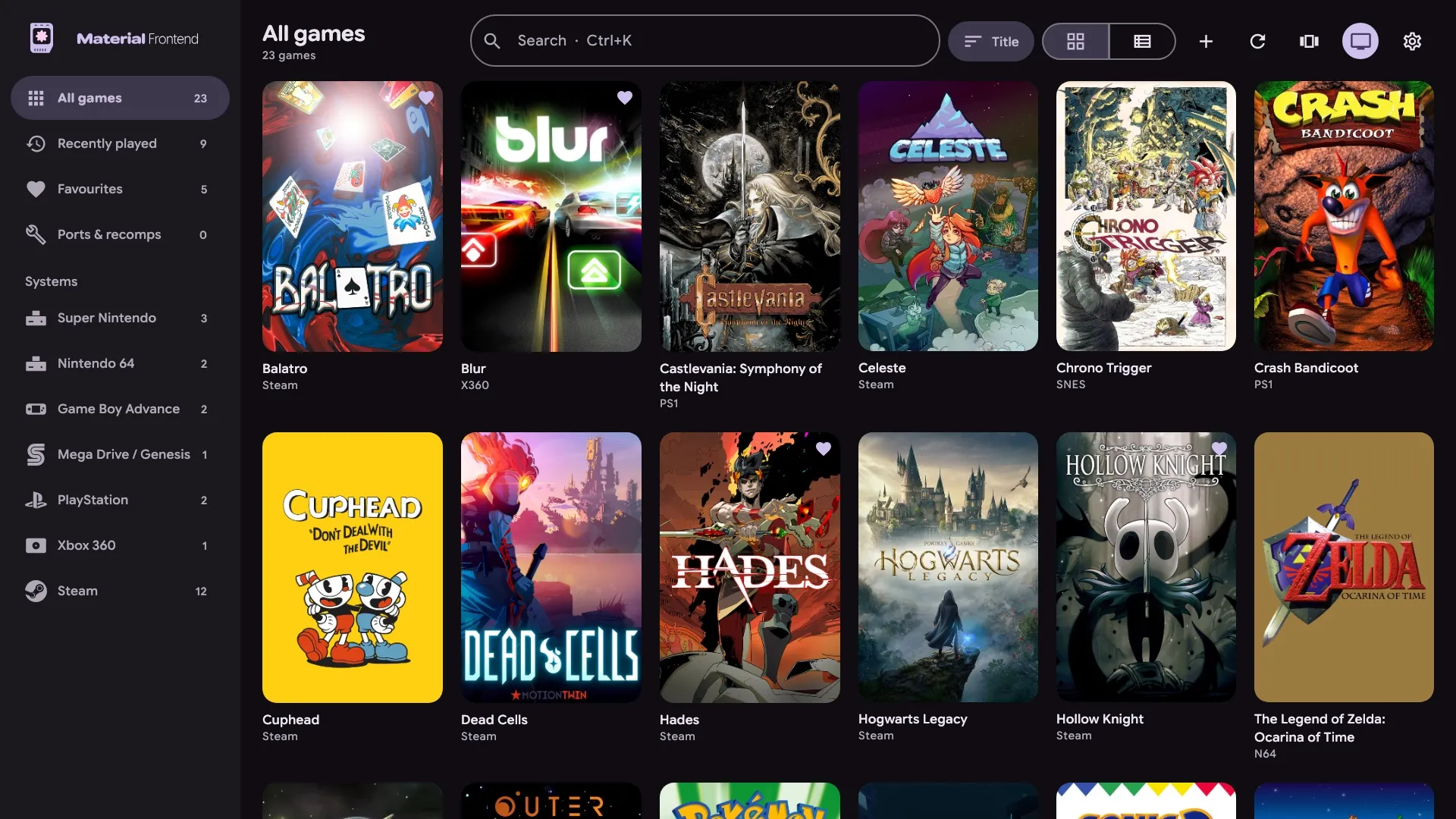
Library
A grid or table with sorting, filters, collections, multi-select and Ctrl+K quick launch.
Game library & emulation frontend
Your PC launchers and emulated systems, together in one place.
Browse it as a desktop library, sit back with a controller in Big Screen mode, or scroll a PS3-inspired XMB. Designed with Material 3 Expressive and built with Compose Multiplatform.
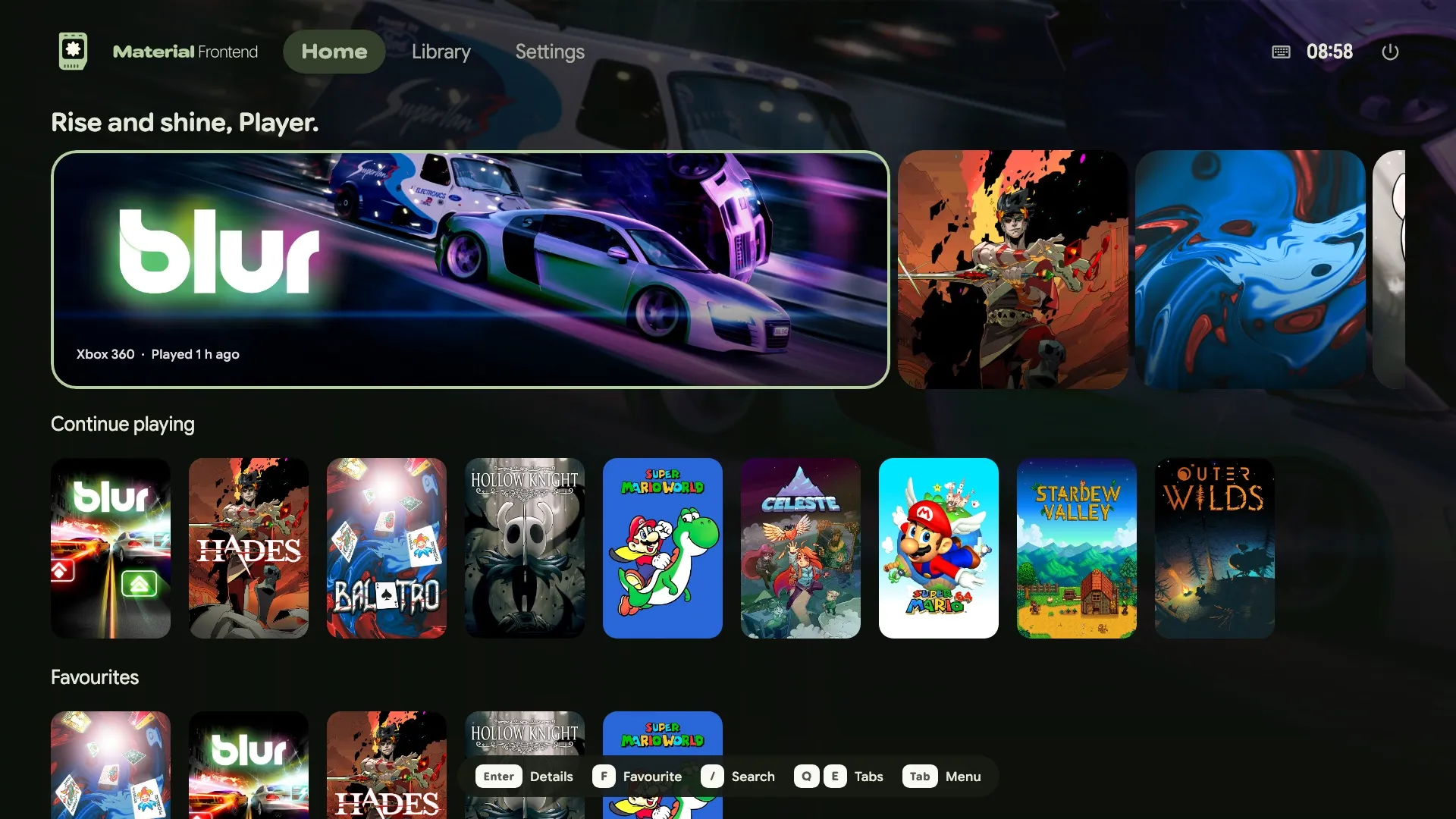
A grid or table with sorting, filters, collections, multi-select and Ctrl+K quick launch.
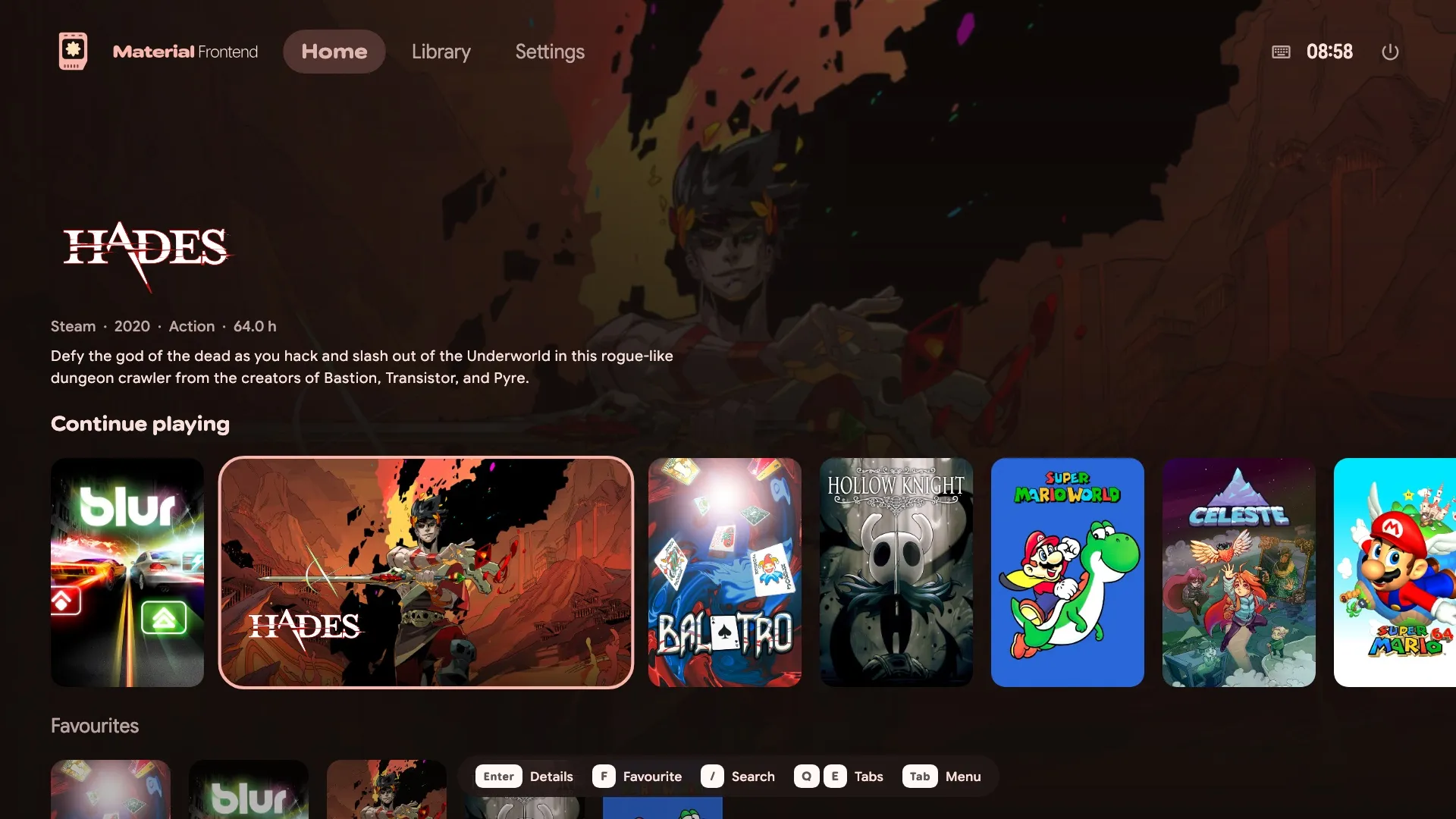
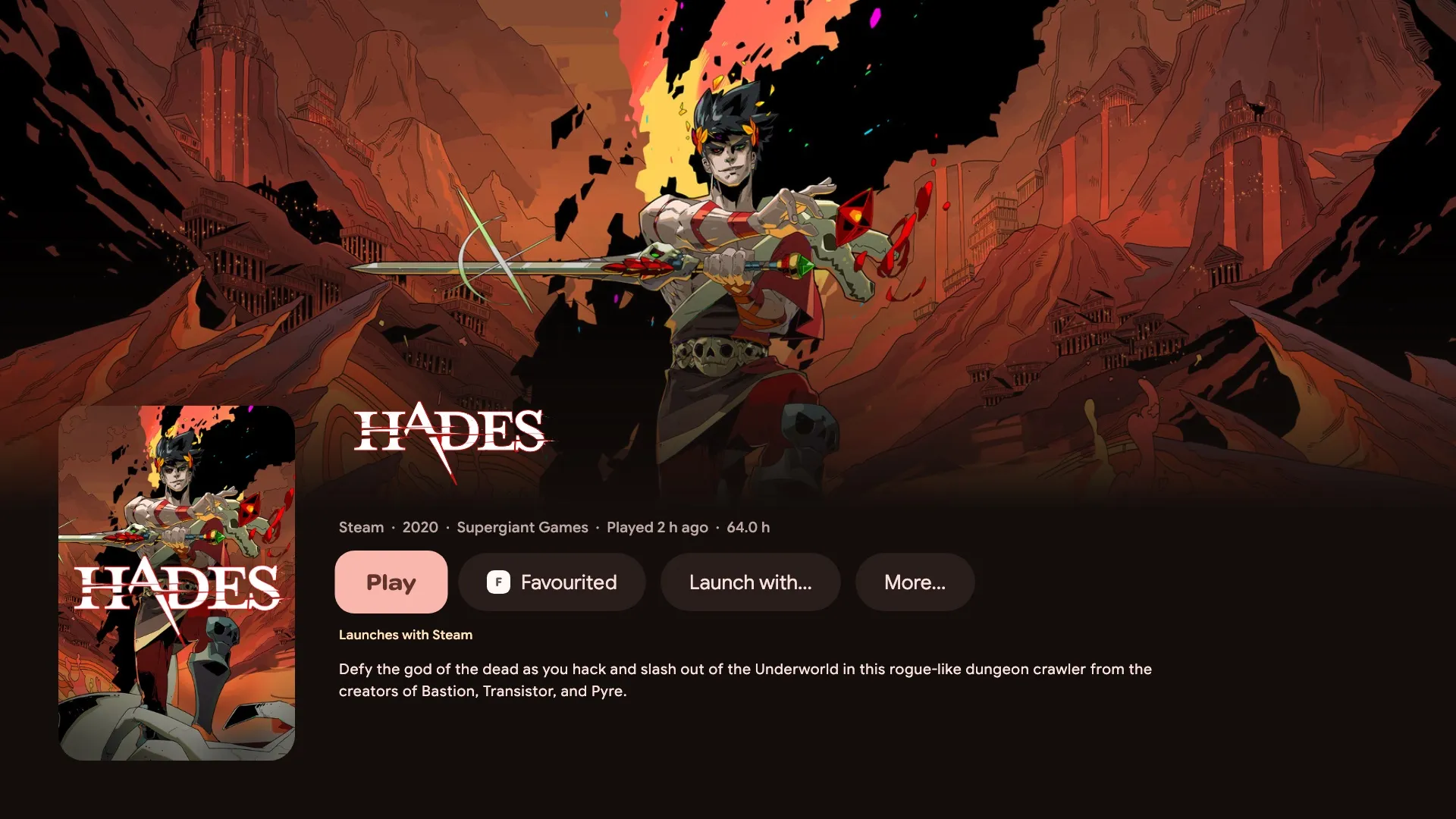
Made for the sofa and a controller, with a spotlight, shelves, game pages, search and a power menu.
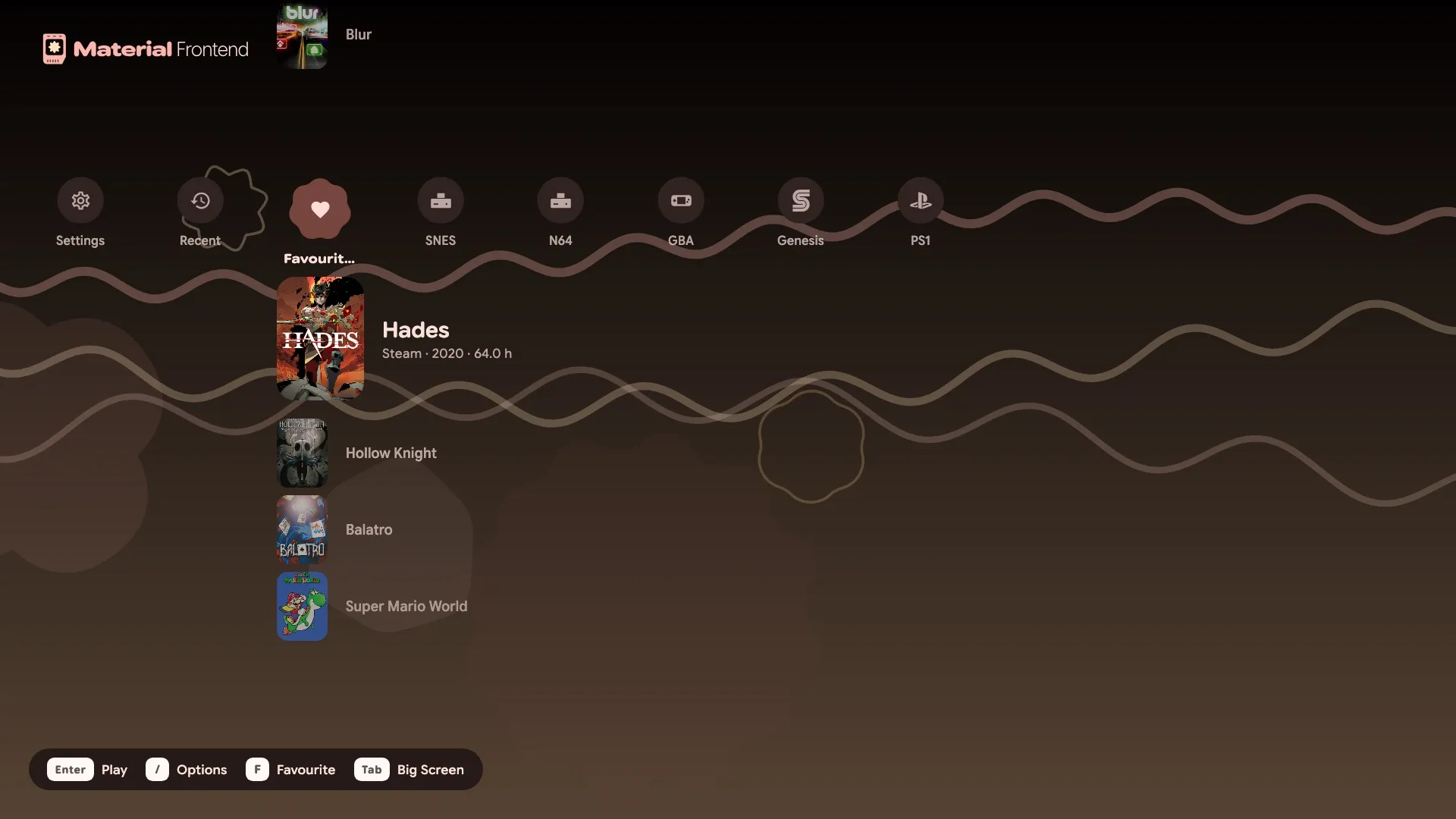
A cross-media bar with an options sidebar and animated backgrounds that follow the time of day.
Settings are shared, so a change in one view shows up in all three.
Libretro cores run inside the app, with save states, rewind, fast-forward, CRT/LCD filters, disc swapping, button remapping and up to four players.
RetroArch, DuckStation, PCSX2, RPCS3, Dolphin, Cemu, PPSSPP, melonDS, Xenia and many more are detected and launched with the right arguments.
Steam, Epic Games, EA app, Xbox, GOG Galaxy, Ubisoft Connect, Battle.net, itch.io, Heroic and Lutris, plus CrossOver and Parallels games on macOS.
Covers, wide art and logos from SteamGridDB, IGDB, libretro-thumbnails and Steam, with per-game logo placement.
Xbox, PlayStation, Nintendo, Steam and 8BitDo controllers with matching button prompts. Every action can be remapped.
Sign in to see your progress, points and badges on game pages. ES-DE and Pegasus metadata imports too.
There are no releases yet. Every push builds installers for Windows, macOS (Apple Silicon and Intel) and Linux (x64 and arm64) in GitHub Actions.
Builds aren’t signed yet, so right-click the app and choose Open the first time.
You only need a JDK 11 or newer. Run ./gradlew :composeApp:run to start it.